 Jompter Docs
Billing
The Billing page on jompter.com: your plan and access badges, changing or cancelling a cloud subscription, promo codes, and invoices.
Everything about what you pay for is on jompter.com/billing.
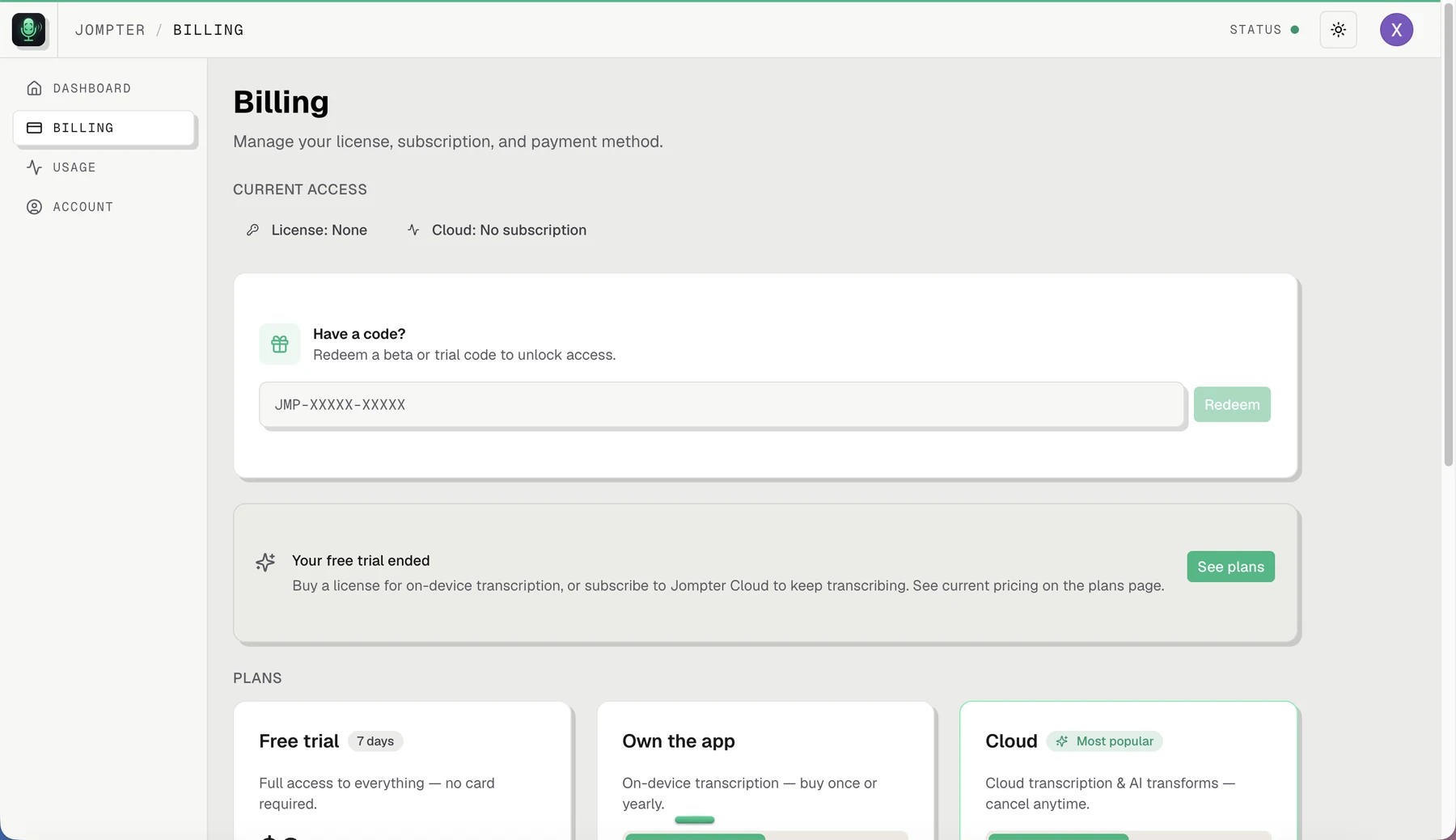
Your access at a glance
Four badges across the top:
- Beta — whether you have a beta grant, and whether it covers local, cloud or both
- Trial — words left against your cap
- Licence — owned, or none
- Cloud — your tier and its status
Changing plans
The same plan cards as the pricing page, but in manage mode: your current cloud tier is badged Current, and switching opens a confirmation. A tier change takes effect at the end of your current period, not immediately. A scheduled change shows as "Switching 3 May" with a cancel action, so you can change your mind.
If you own the lifetime licence, the yearly option is hidden.
Your subscription
The subscription card states plainly where you stand — Renews on 3 May · Cancelled — access until 3 May · Expired 3 May · Payment overdue — update your payment method — and gives you:
- Manage subscription — opens the billing portal in a new tab, for payment methods and invoices
- Resume subscription — if you cancelled but the period has not ended
- Cancel — access stays until the end of the period you have paid for
Invoices
Open billing portal. Disabled if you have no subscription.
Promo and beta codes
Have a code? takes a JMP-XXXXX-XXXXX code and unlocks the access it carries.
Starting a trial
The free trial is started from inside the Mac app, not from this page. The website shows and manages it; the app begins it.