 Jompter Docs
Board
A whiteboard on your Mac — draw by hand, or hand it to an AI agent. Beta.
Board is a canvas. You can draw on it with your mouse the way you would expect: shapes, arrows, text, freehand, images. The reason it exists, though, is the other half — an AI agent running on the same Mac can draw on it for you. Ask Claude Code for an architecture diagram of the service you just wrote, and it appears on the board.
Setting the agent side up is on its own page: AI agents on your board.
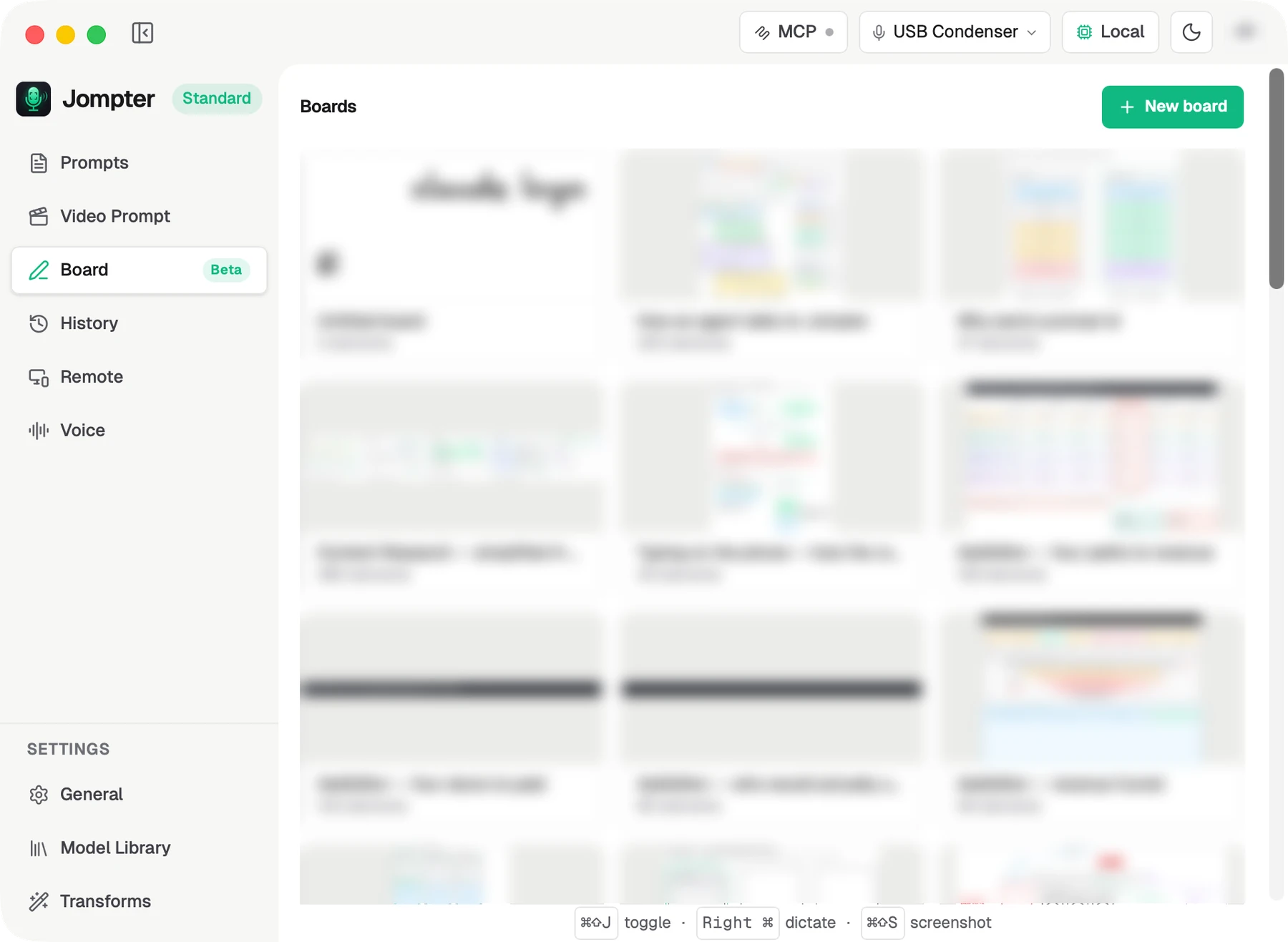
The board list
New board creates one. Each card shows a rendered preview, and can be renamed or deleted.
- MCP — the button in the top-right of the Jompter window, where agent access is set up. It carries a status dot: grey means agent access is on but nothing is connected; green with a count, and a glow, means agents are connected right now.
- Recently deleted — deleting a board moves it here rather than erasing it. Boards are purged after 30 days and can be restored until then.
An open board
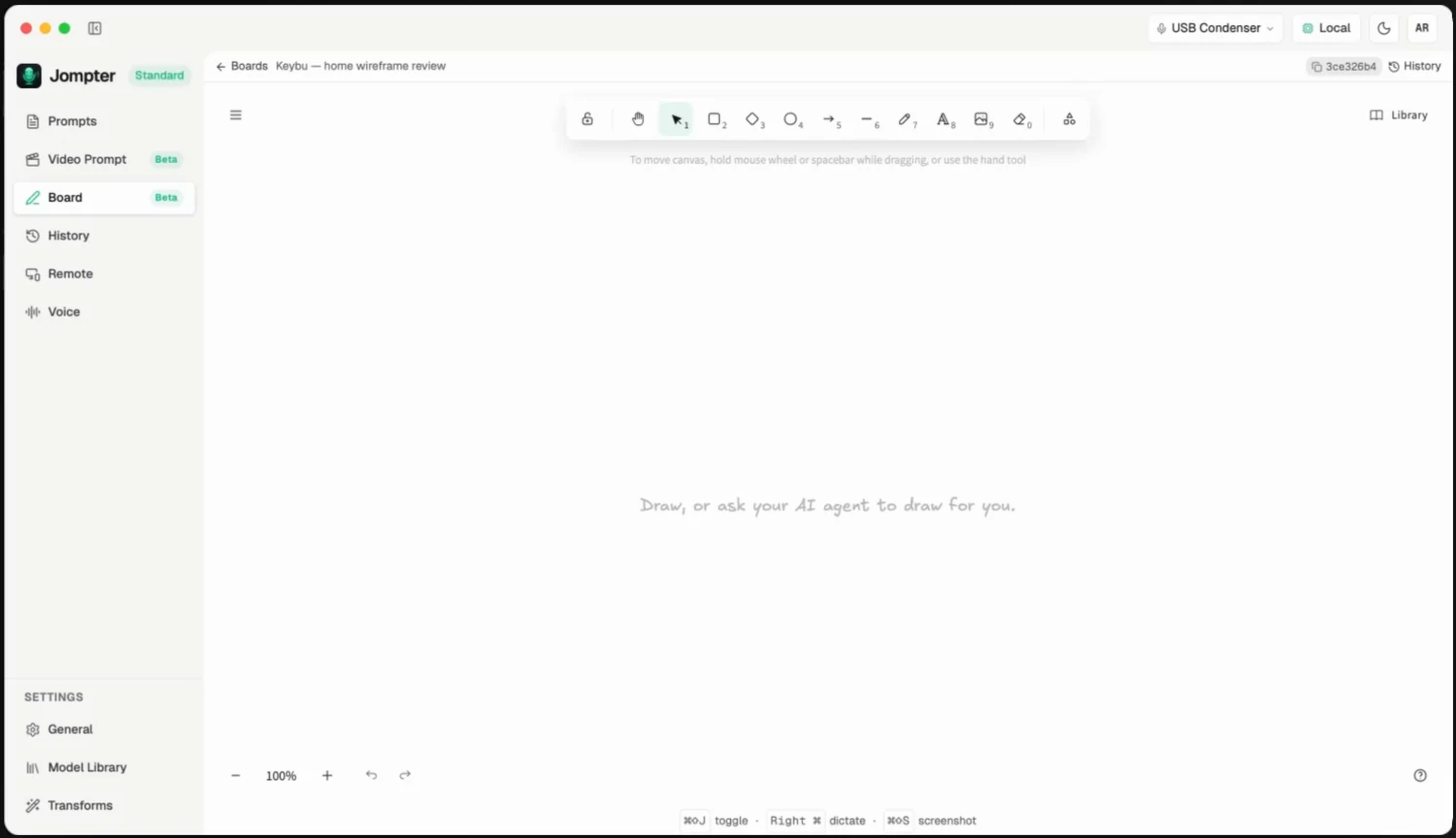
The whole window is canvas. Two things sit on top of it:
- The board ID chip — a truncated, copyable id. Copy it and paste it into your agent to say which board to draw on.
- History — see below.
While an agent is drawing, a banner names the agent and the tool it is running, and its cursor is drawn on the canvas with its name beside it. Jompter brings the board window forward without stealing focus, and reveals large batches progressively over about half a second, panning the view onto whatever is new — so you can watch a diagram appear while you keep typing somewhere else.
History: getting back a board you just lost
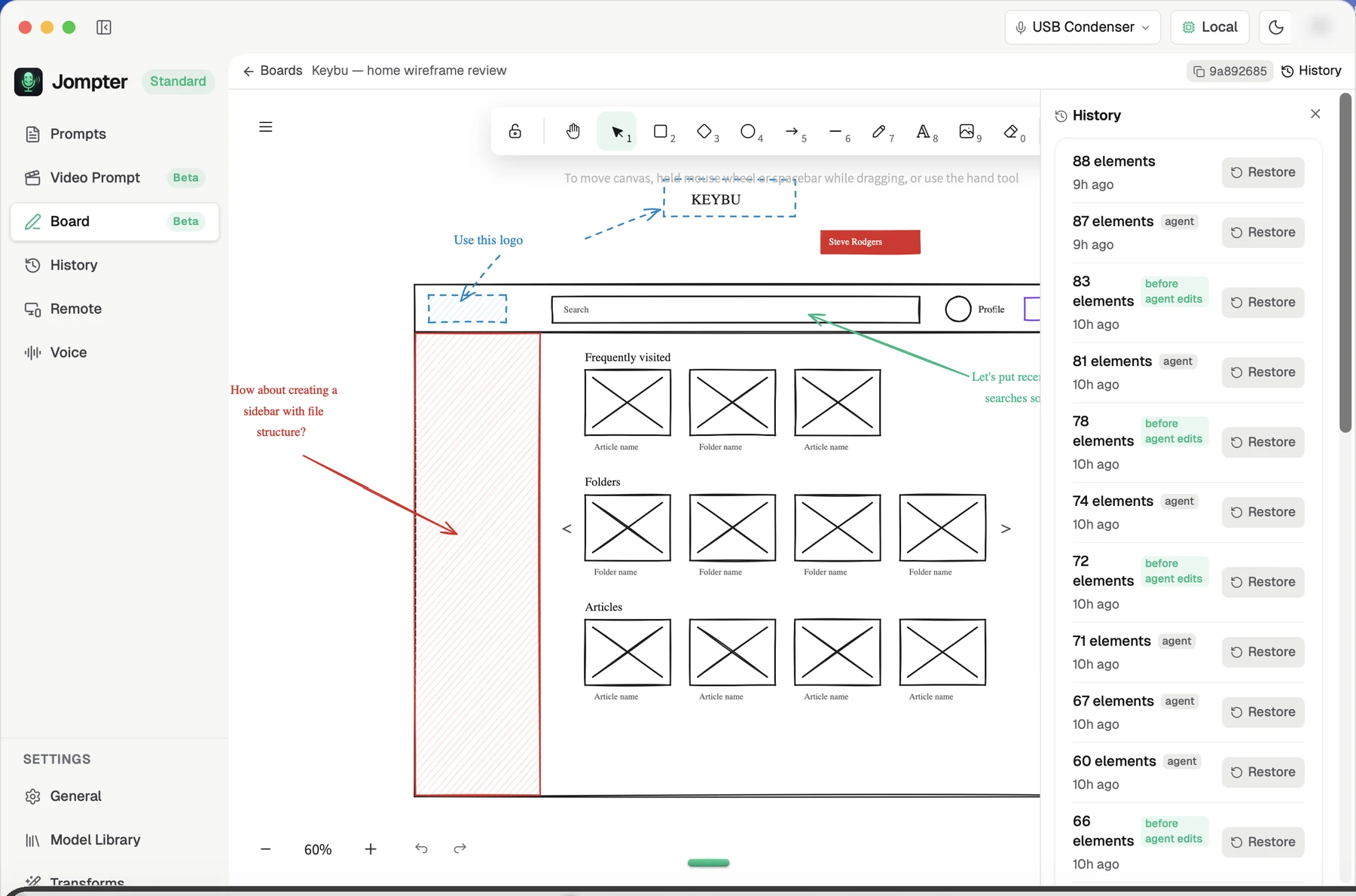
Automatic checkpoints are the earlier state of the board each time it changes. When a board is new the panel reads "Nothing to go back to yet." Restore asks you to click again to confirm — anything drawn since is replaced — and a restore is itself undoable, so restoring the wrong one is recoverable.
The state from just before an agent started drawing is always kept, even in a long burst of agent edits. That is the one people actually want back.
Saved states are checkpoints you name yourself with Save this state. Unlike the automatic ones they are never aged out.
Retention for automatic checkpoints: 30 of them or 128 MB, whichever comes first, and never fewer than five. Named snapshots do not count against either.
Keeping boards in your account
Off by default. Turn on Keep boards in your account in Settings → General and your boards are copied to your Jompter account, where you can open them read-only at jompter.com/boards and share a view-only link.
Drawing works offline either way — the sync is a copy, not a dependency.